Restore memories with care.
Practical, evidence-aware guides for digitizing and renewing old family photographs on your iPhone—from the first capture to the final print.
Two complete guides, with more in preparationA careful restoration workflow
Begin with the best digital copy you can make, choose one tool for the damage, and inspect reconstructed details before saving.
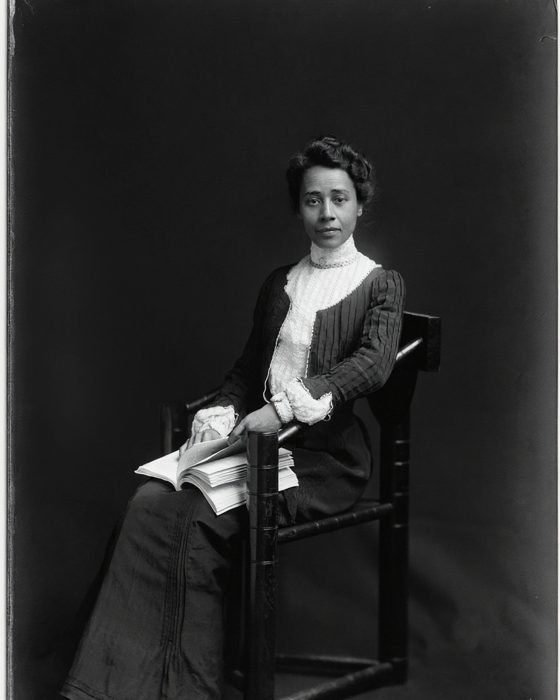
How to Restore Old Photos on iPhone
Learn how to capture a clean copy, identify the damage, restore it without over-processing, inspect faces, and prepare the result for backup or print.
Read the guide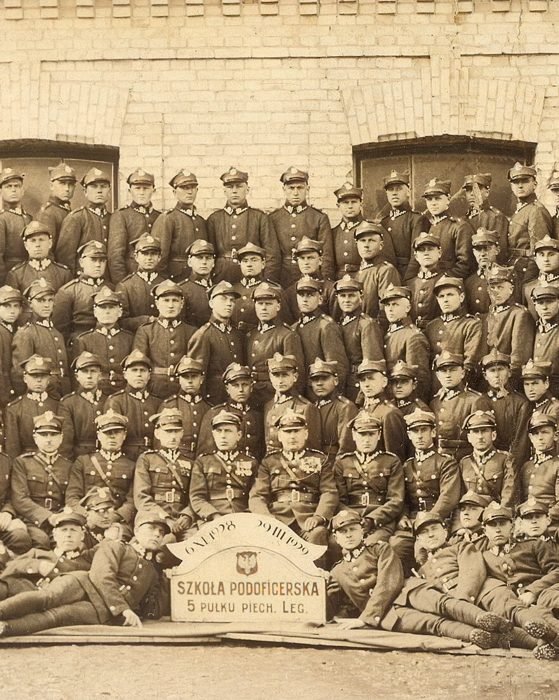
How to Colorize Black and White Photos on iPhone
Protect the original, make a clean working copy, repair distracting damage, inspect generated colors, and label the finished interpretation.
Read the guideThe original always comes first.
Good lighting and a square, sharp capture give any restoration tool better information.
Use restoration, unblurring, or colorization for a clear purpose instead of stacking every effect.
Compare faces, text, jewelry, and clothing with the original before you share or print.